
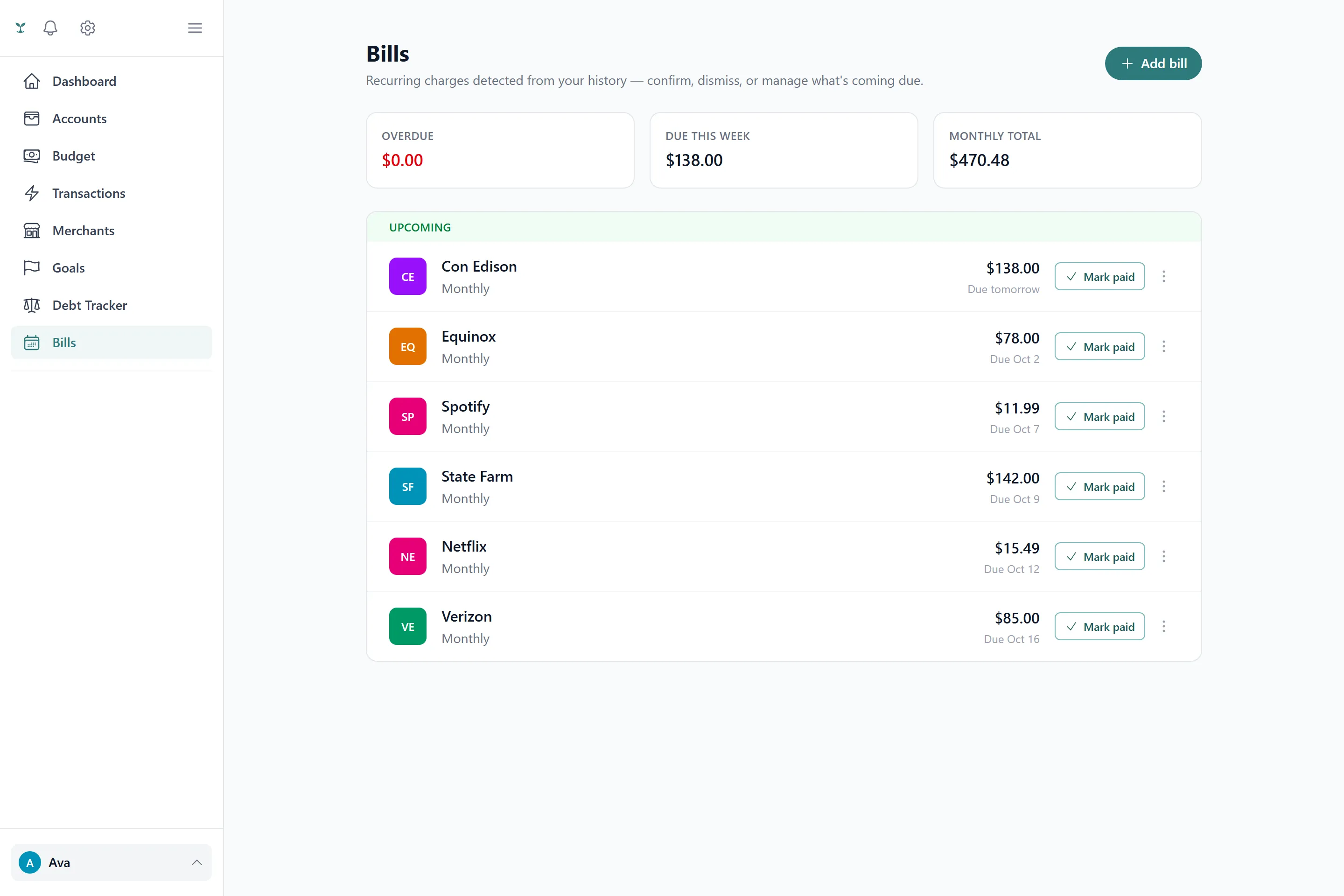
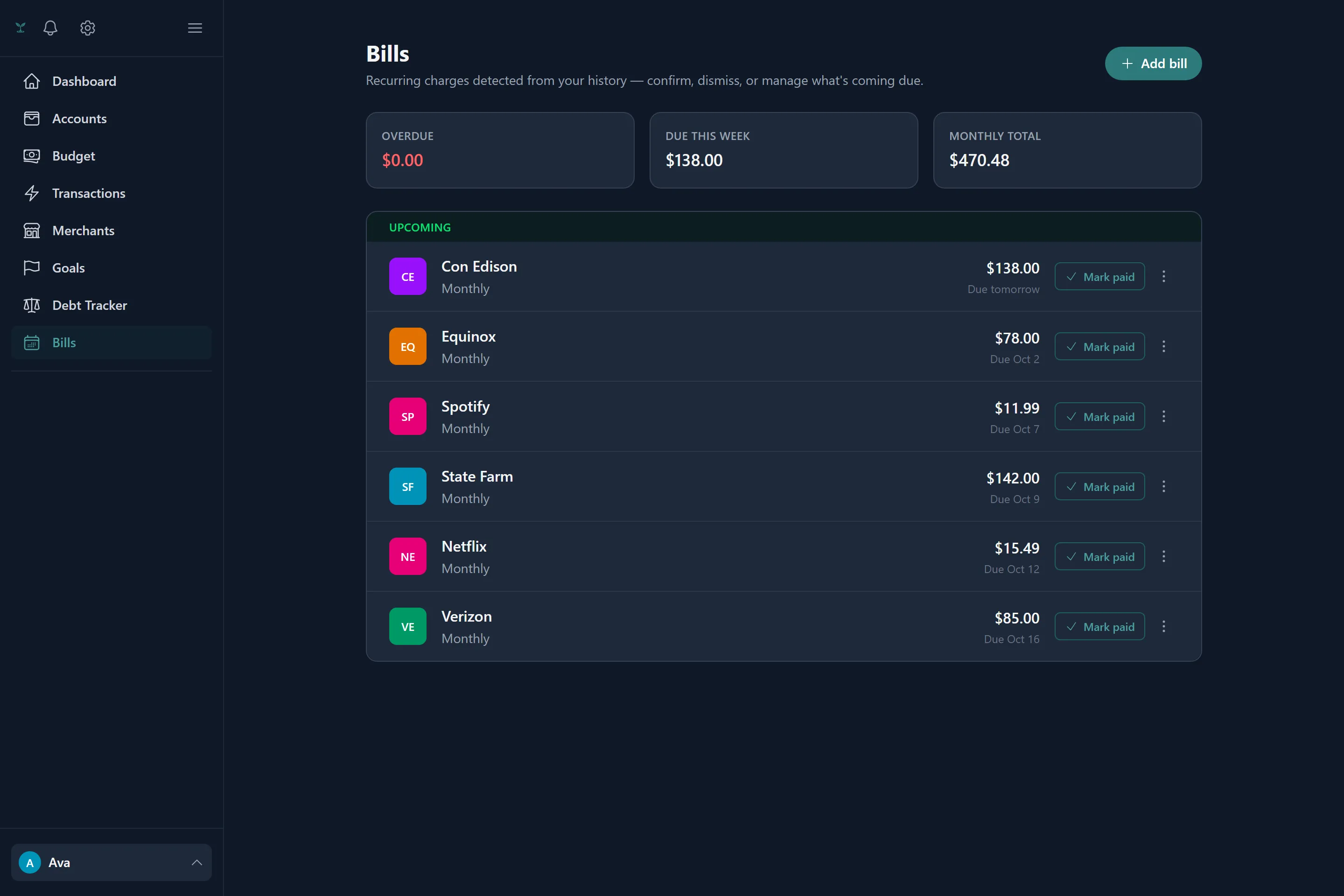
Detecting bills automatically
If you’ve linked a bank, Tavera Money scans up to two years of transaction history for charges that repeat at a consistent interval — weekly, biweekly, twice a month, monthly, quarterly or annually — and suggests them as recurring bills. A pattern needs to have shown up at least three times before it’s suggested, so a one-off pair of similar charges doesn’t get mistaken for a subscription. Suggestions wait for your confirmation; nothing becomes an active, reminder-generating bill without you accepting it.
You can also add a bill manually at any time — useful for something new you’ve just signed up for that hasn’t repeated in your history yet. A manual bill can create a new budget category on the fly if you don’t already have one for it.
Staying reconciled
Once a bill is active, Tavera Money reconciles its schedule against your real transactions automatically: a matching charge marks the upcoming occurrence paid, an occurrence that passes its due date without a match is flagged overdue, and one left unpaid long enough past its grace window is skipped so the schedule keeps rolling forward instead of getting stuck. None of this requires you to check in — it’s re-evaluated as new transactions arrive.
Reminders
An occurrence enters its reminder window a few days before it’s due, and you’ll get an email if reminders are turned on. Only new occurrences trigger a reminder — an occurrence that’s already been flagged as due-soon or overdue doesn’t send another notice every single day, though the digest itself always shows everything currently outstanding for context. Going from due-soon to overdue does trigger one more alert, since that’s a real change worth knowing about.
Linking a bill to a debt
A bill can be attached to a debt so its minimum payment and due date come from the debt automatically, rather than being entered twice — see Debts for how that link works and what it does and doesn’t affect.