
Refer a friend
Give a friend a nudge. Get a month of Premium free.
Share your personal link. Once the friend you sent it to pays for their household's first month of Premium, you get a month of Premium on us — credited automatically, with no limit on how many friends you refer.
Step 1
Share your link
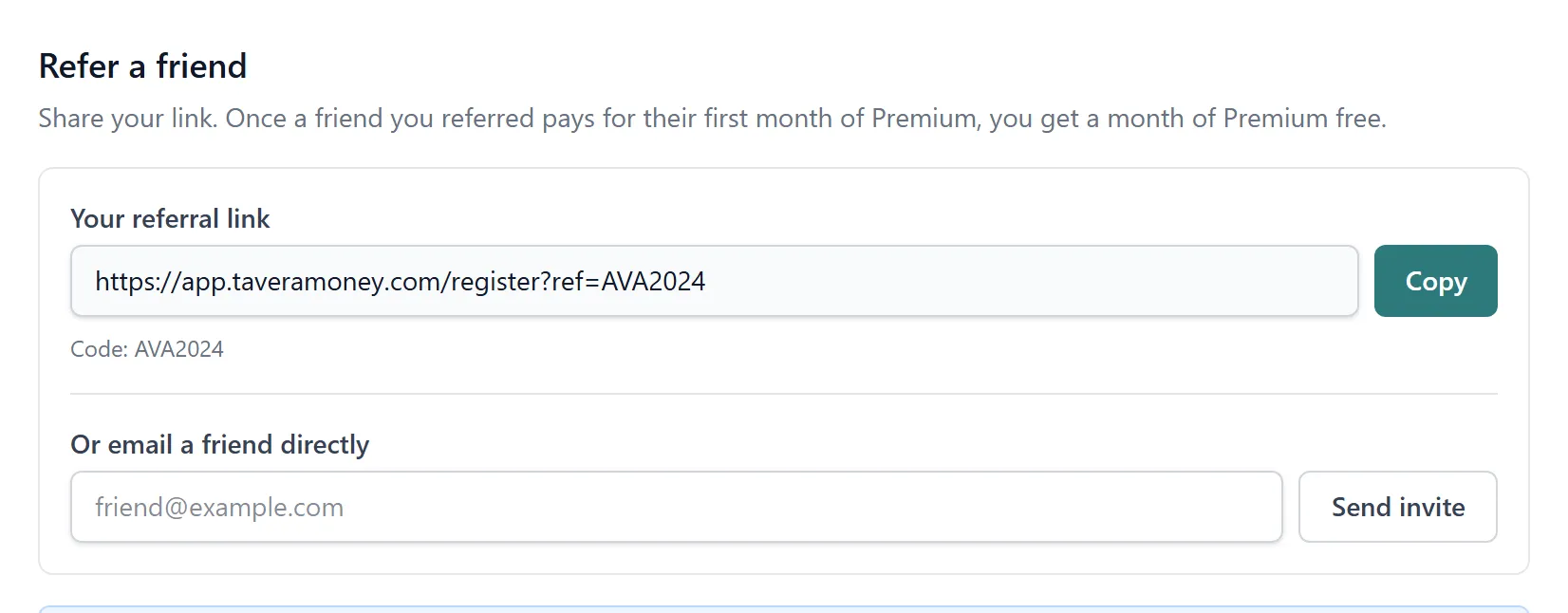
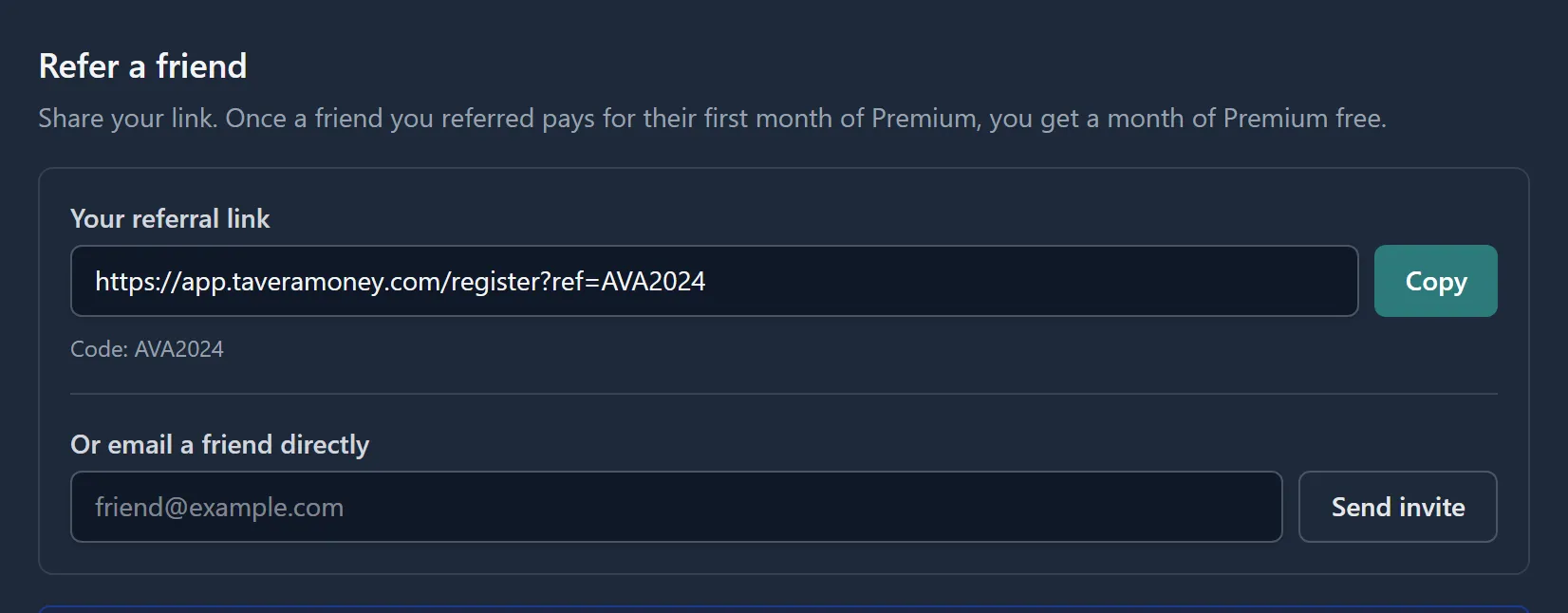
Every Tavera Money account has its own referral link and code, found in Settings → Referrals. Copy it, or send it straight from there — the panel can email an invite to a friend for you.
- One link per account, generated the first time you open the panel
- Email an invite directly, or copy the link and share it yourself
- Your code is read-only for whoever signs up — nothing to type in wrong
Step 2
Your friend signs up and goes Premium
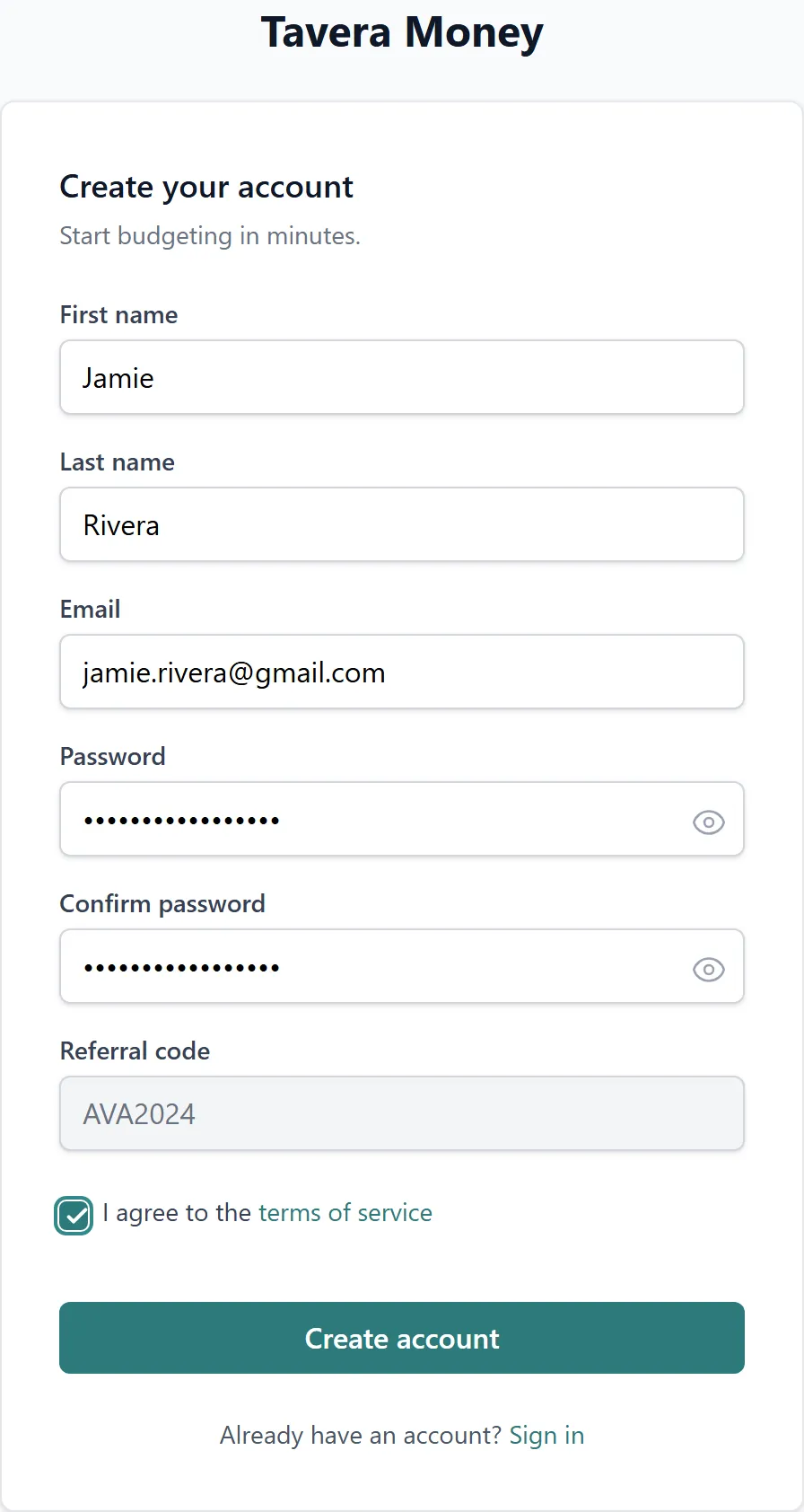
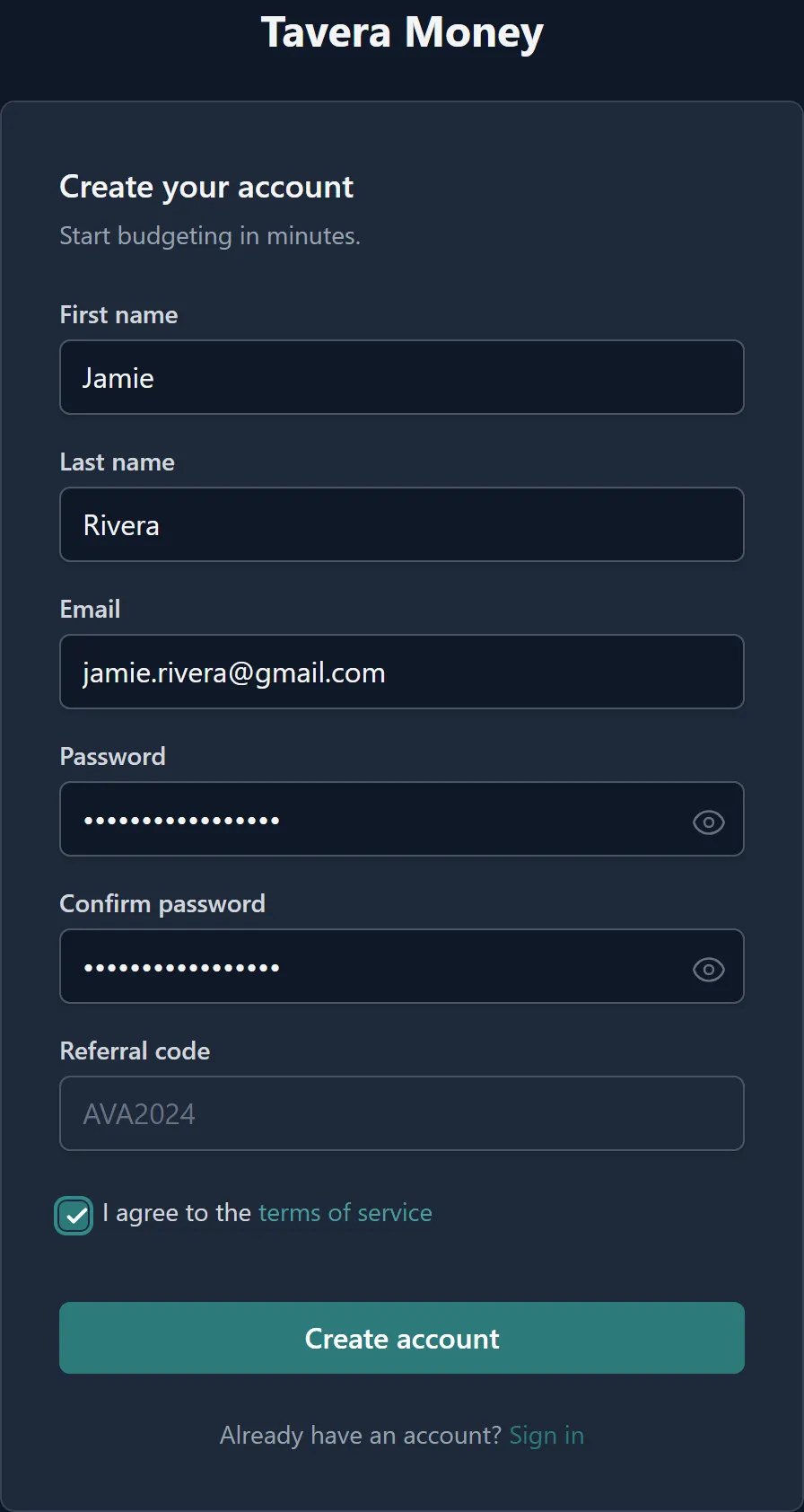
They register with your link, which carries their referral code through to signup automatically. The reward isn't for signing up, though — it's tied to their household actually paying for its first month of Premium, the same way ours is priced.
- A free Basic account alone earns nothing — Premium is what the reward is priced against
- The code is read-only from the link, so there is no typo or mismatch to worry about
- Referring someone who's already a customer doesn't count — only a new household
Step 3
You get a free month of Premium
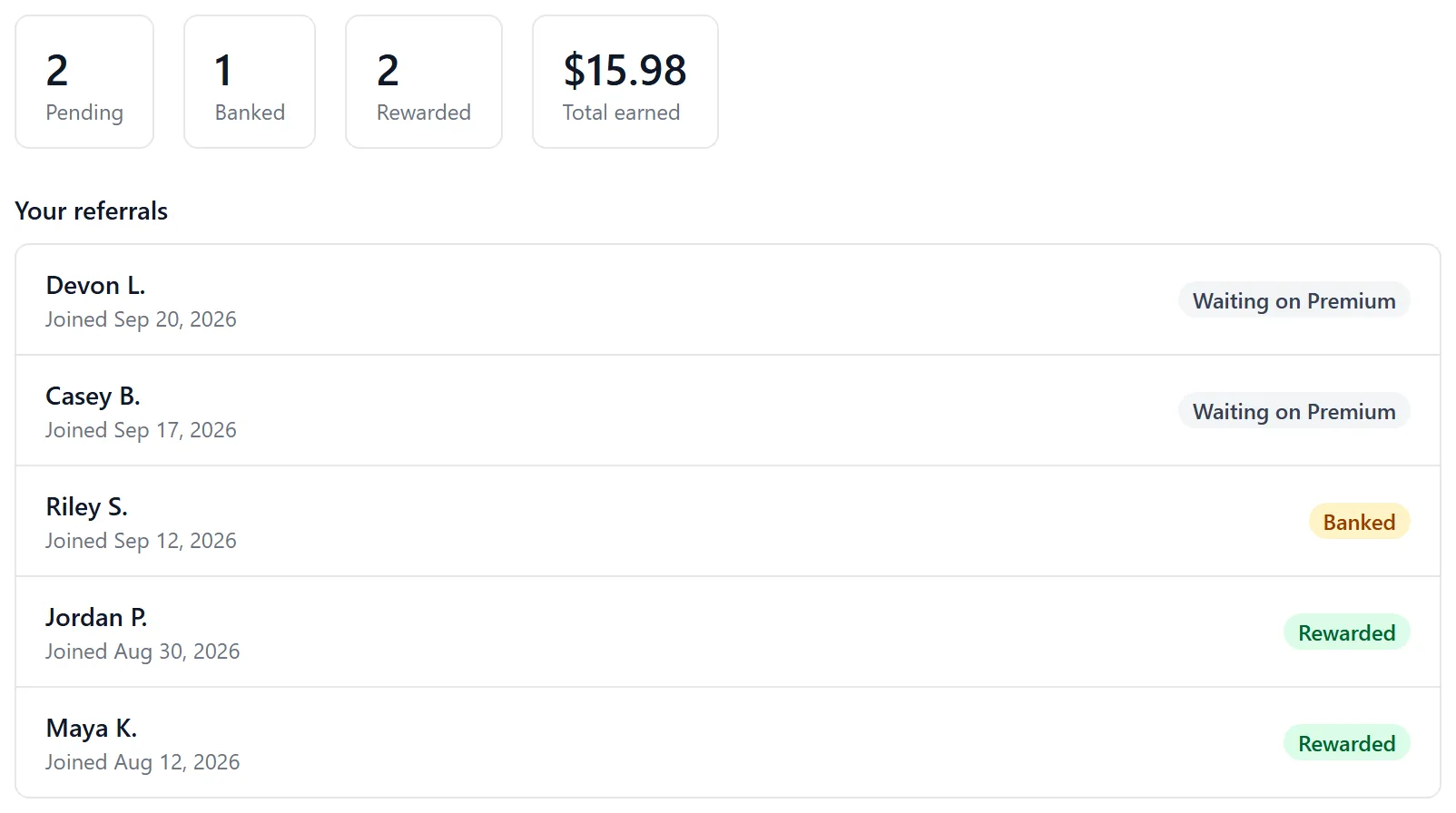
If you're already paying for Premium, the free month lands as a credit on your account automatically, priced at whatever you actually pay — monthly or yearly. Still on Basic yourself? The free month is banked, and every banked month you've built up converts the moment you subscribe to Premium.
- Already Premium: credited automatically, no action needed
- Still on Basic: banked, then converts in one batch when you upgrade
- Stacks without limit — 10 referrals is 10 months, 36 is 36
What the referral program doesn't do
There's no discount or free month for the friend you refer — the reward goes to you, the person who shared the link. And nothing happens until their household's first Premium invoice is actually paid; a sign-up on the free plan, or one that never upgrades, earns nothing on its own. It's a real cost to us when it pays out, so we'd rather be plain about when it does.
Questions
Referrals, answered
How do I get my referral link?
Sign up, then open Settings → Referrals inside Tavera Money. Your personal link and code live there, along with a button to email an invite directly — nothing extra to set up.
What actually earns the reward?
A friend signing up isn't enough on its own — the reward triggers when their household pays for its first month of Premium. Free Basic sign-ups don't trigger anything, since bank syncing is the one part of Tavera Money with a real cost to us, and it's what a referral is priced against.
What do I actually get?
A month of Premium, free. If you're already paying for Premium, it's credited to your account automatically at whatever rate you actually pay. If you're still on Basic, the free month is banked and converts the moment you subscribe to Premium yourself, priced at whichever plan you pick then.
Is there a limit to how many friends I can refer?
No cap. Every friend whose household pays for Premium earns you another free month — refer 3 and you get 3 months, refer 30 and you get 30.
Does my friend get anything for using my link?
Not currently — the reward goes to whoever shared the link, not the new sign-up. Your friend starts on the same free Basic plan (or Premium, if they choose it) as anyone else would.
Can I refer myself, or use my own link?
No — you can't send an invite to your own email address, and a referral code can't reward the account that used it.
Have a friend who'd use this?
Start free, find your link in Settings → Referrals, and send it their way. If their household goes Premium, you're a month closer to free.
No card required · Your data is never sold · Export it any time