
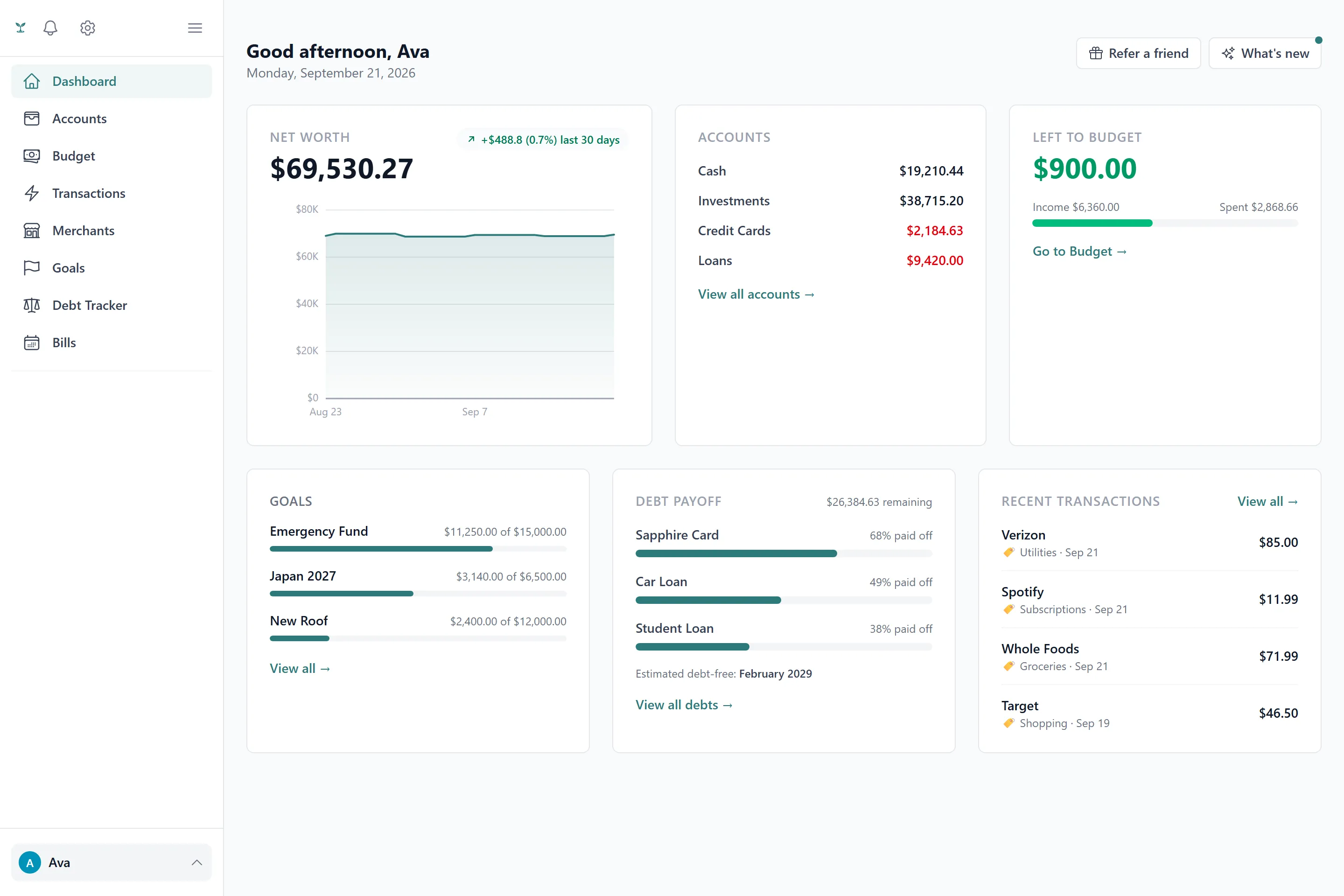
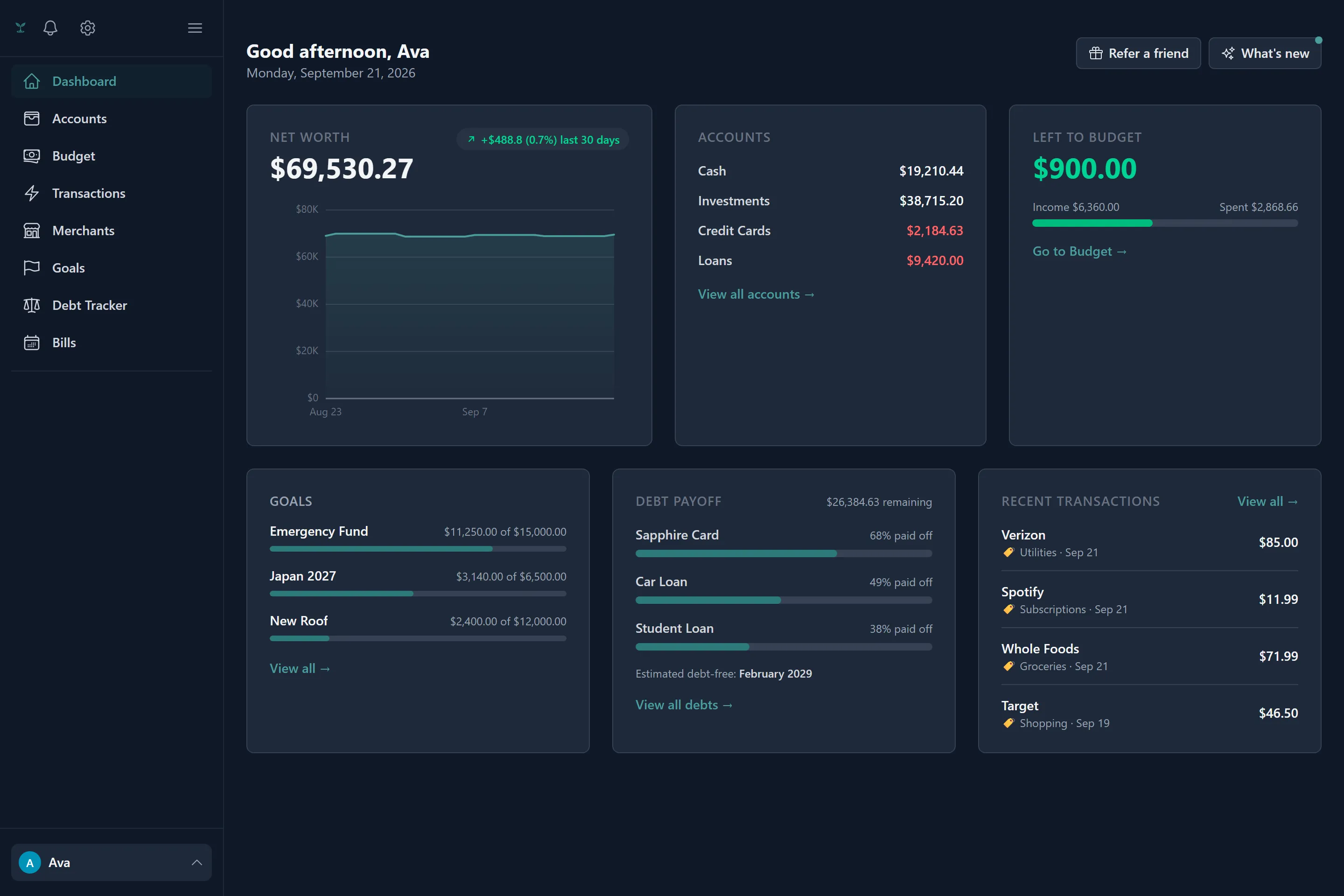
Tavera Money works from one idea: every account in one place, a plan for what you meant to spend, and an honest read on what actually happened. Everything else in the app supports that. This article is the fastest path from a new account to a dashboard that means something.
The two ways to add money
Every account is either manual or bank-linked, and you can mix both freely.
- A manual account is one you type into — cash, a bank that isn’t supported, or anything you’d rather track by hand. Its balance moves when you add, edit or delete a transaction against it.
- A bank-linked account connects through Plaid. Once it’s linked, its balance and transactions arrive on their own — see Accounts & bank linking for the full flow, including how much history gets imported and what reconnecting looks like.
Neither is required to start. A lot of households begin manual-only and link a bank later, or never — the budget, goals and debt tools all work the same either way.
Setting up your first budget
If you linked a bank, generate a starting budget from your own spending history rather than typing in guesses: Tavera Money reads your past transactions, groups them into a curated set of everyday categories, and proposes a planned amount for each based on what you’ve actually spent — see Budgets & rollover for exactly how that average is calculated (and how one-off outliers are kept from skewing it).
Without a linked bank, or if you’d rather start from scratch, build the budget by hand: add categories, group them under Income, Expenses, Savings or Debt, and set a planned amount for the month.
Sharing it with someone else
If you’re budgeting with a partner or family, create a household and invite them. Membership shares everything — every account, transaction, budget and goal in the household becomes visible to everyone in it, with no per-item privacy setting. See Household sharing before you invite anyone, since that all-or-nothing model is worth understanding up front rather than discovering later.
What to set up next
Once accounts and a budget exist, the rest is optional and can happen in any order:
- Goals for anything you’re saving toward with a target amount and, optionally, a date.
- Debts to track payoff progress and compare snowball vs. avalanche order.
- Recurring bills to get reminded before something’s due — Tavera Money can also detect likely recurring charges from your history and suggest them.
- Notifications to decide what you actually want to hear about, and whether it’s an in-app alert, an email, or both.
The monthly recap starts writing itself the first time a full month closes with a budget in place — nothing to configure for that one.
Still stuck on something? Email us at [email protected].