
Manual accounts
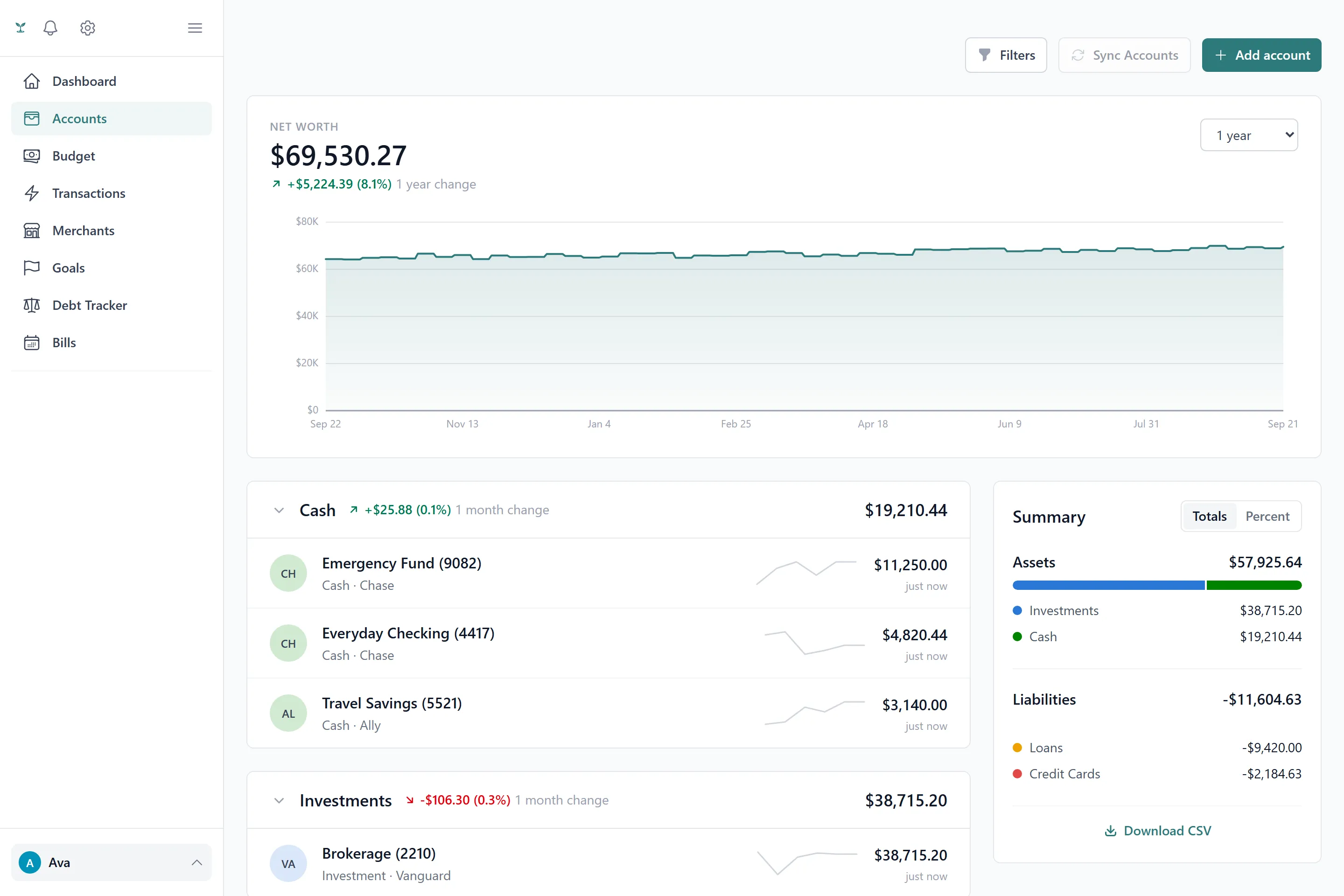
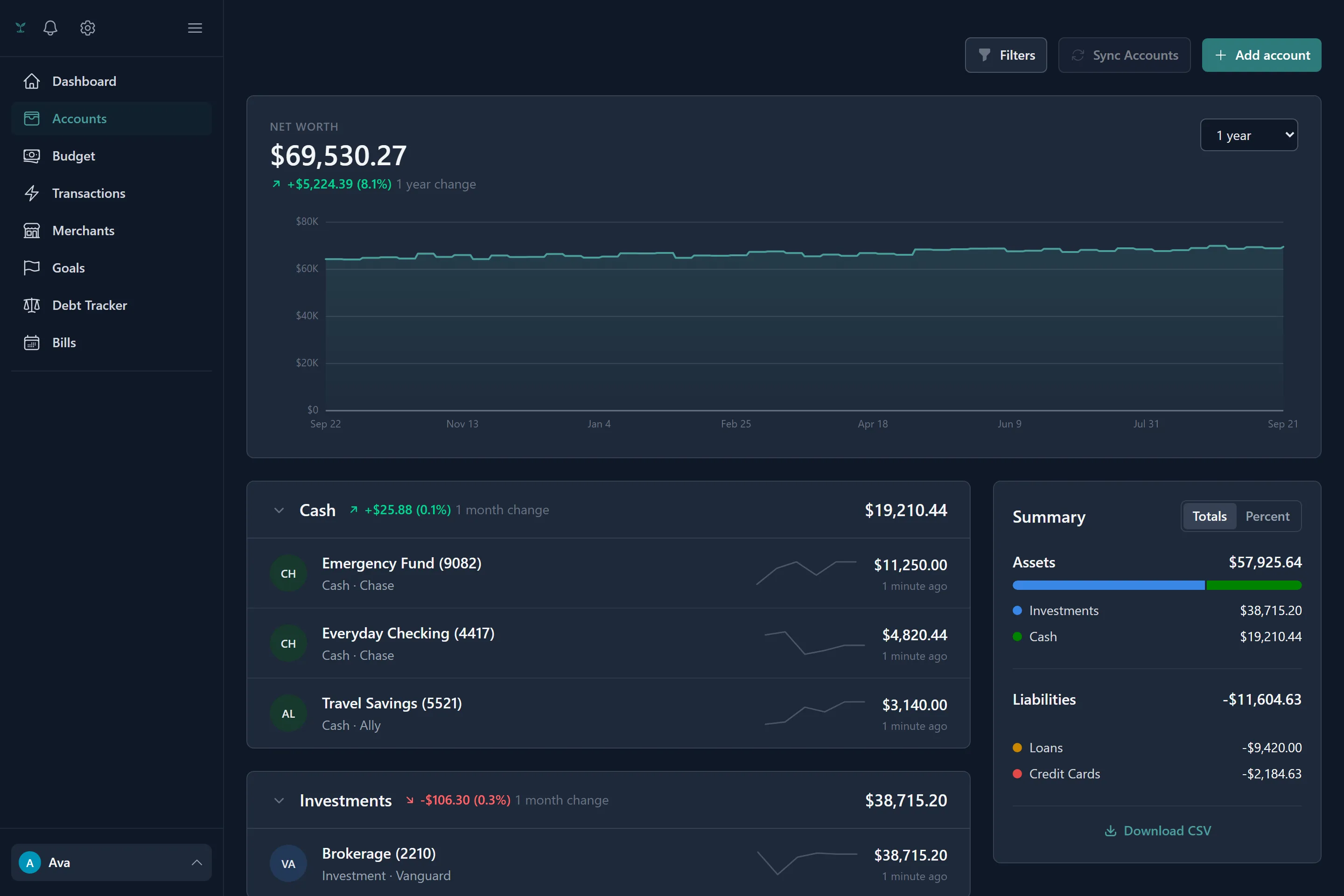
A manual account is anything you track by typing into it — cash, a bank Plaid doesn’t support, or a balance you’d simply rather manage by hand. Its balance is not a separate number you edit directly day to day; it moves as a running total of the transactions posted against it, the same way a bank-linked account’s does.
Linking a bank
Linking goes through Plaid, a service used specifically because the connection is read-only — Tavera Money can see balances and transactions, and can never move money in or out of your accounts.
When you link:
- You search for your institution (or pick from a shortlist of popular ones) and sign in through Plaid’s own widget — your bank credentials are never seen by Tavera Money.
- You choose which of the institution’s accounts to bring in.
- The first time you ever link a bank, you’re asked how much transaction history to import. That choice is remembered as your preference — every institution you link after that reuses it automatically rather than asking again.
Once linked, an account’s balance and transactions keep themselves current in the background — there’s normally nothing to click to keep it up to date. A manual refresh is also available for the moment you want to be certain you’re looking at the very latest.
When a connection needs attention
Banks occasionally require you to re-authenticate a linked connection — a changed password, an expired login, or a security policy on their end. When that happens, the affected account is flagged for reconnecting, and you’ll get a notification if you have that alert turned on (see Notifications). Reconnecting takes you back through Plaid to re-establish the same connection; nothing about your existing transaction history is affected while a connection is in this state, it simply stops receiving new data until it’s fixed.
Disconnecting an institution
Disconnecting always removes the connection at Plaid — so the institution stops being billed against your plan — but you choose what happens to the data already imported:
- Keep the history. The accounts stay, with everything already imported intact, but they become manual accounts you maintain by hand going forward.
- Delete everything. The accounts, and every transaction and balance snapshot that came with them, are removed.
Deleting one of several accounts at the same institution simply removes that account; the institution stays connected for the others. The institution itself is only fully disconnected once its last account is gone.
Choosing how much history to import
Linking a bank can pull in up to two years of transaction history in one go, scoped by the window you chose the first time you linked. A longer window gives auto-categorization and budget generation more to learn from; a shorter one gets you to a clean slate faster. Either way, once transactions land, categorization and any rules you’ve written apply automatically.