
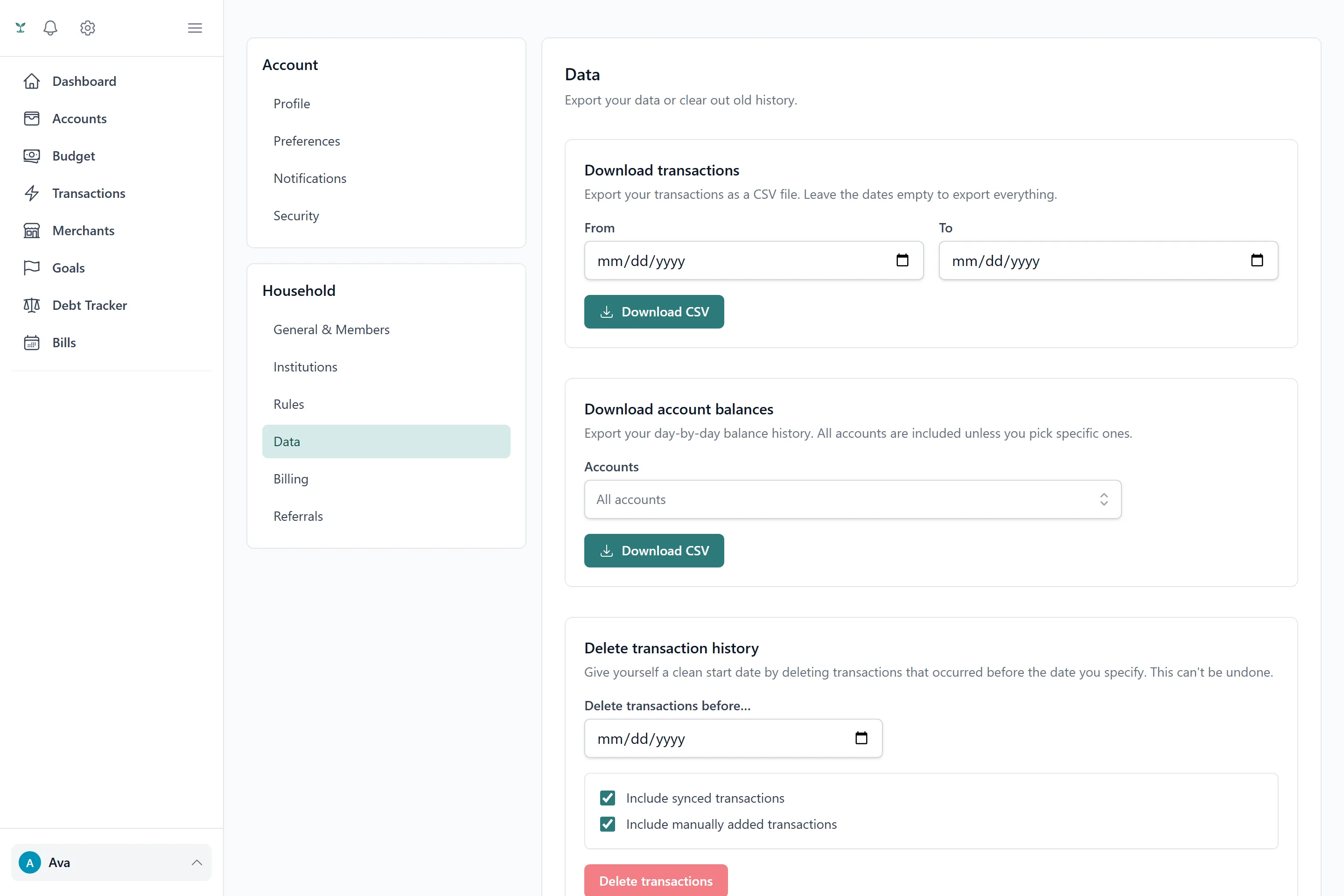
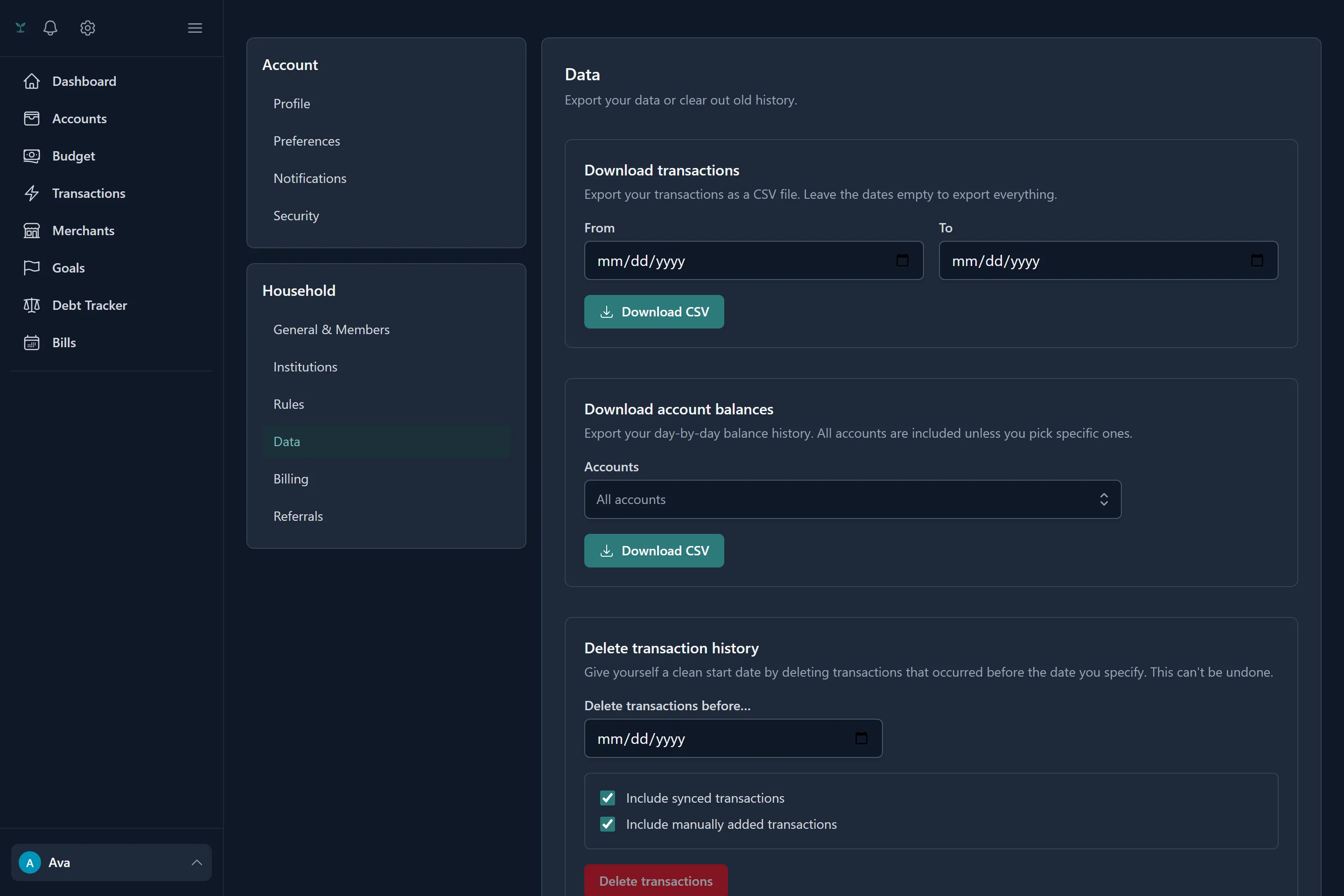
Exporting your data
From Settings → Data, you can download your transactions or your balance history as a CSV at any time, optionally scoped to a single account or a date range. It’s your data in a plain, portable format — useful for your own records, a spreadsheet, or simply having a copy outside the app.
Deleting data in bulk
The same screen lets you delete transactions or balance snapshots before a date you choose, and you can limit that to only synced (bank-linked) or only manual transactions if you want to clear one without touching the other. Deleting a transaction that had funded a goal or a debt payment cleans up that contribution correctly rather than leaving the goal or debt’s balance still counting money tied to a transaction that no longer exists.
How your bank connection is protected
Bank access is read-only through Plaid — nothing in Tavera Money, including us, can use a linked connection to move money. The access token behind a linked connection is encrypted at rest and never leaves the API; it’s never included in anything the app sends back to your browser.
What we do with your data
Tavera Money doesn’t sell your data, and doesn’t run ads. For the full policy, see the Privacy Policy and Security pages.