
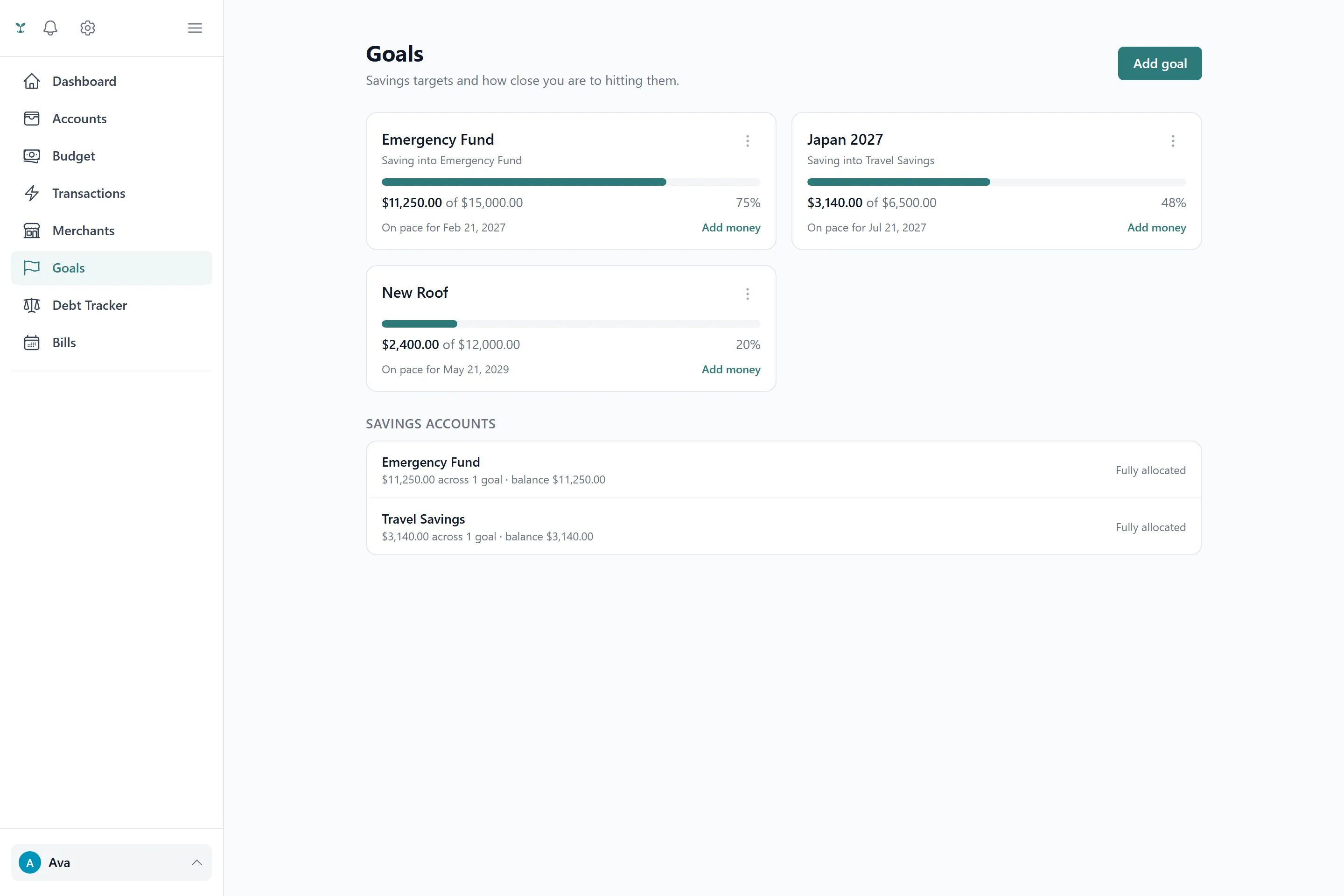
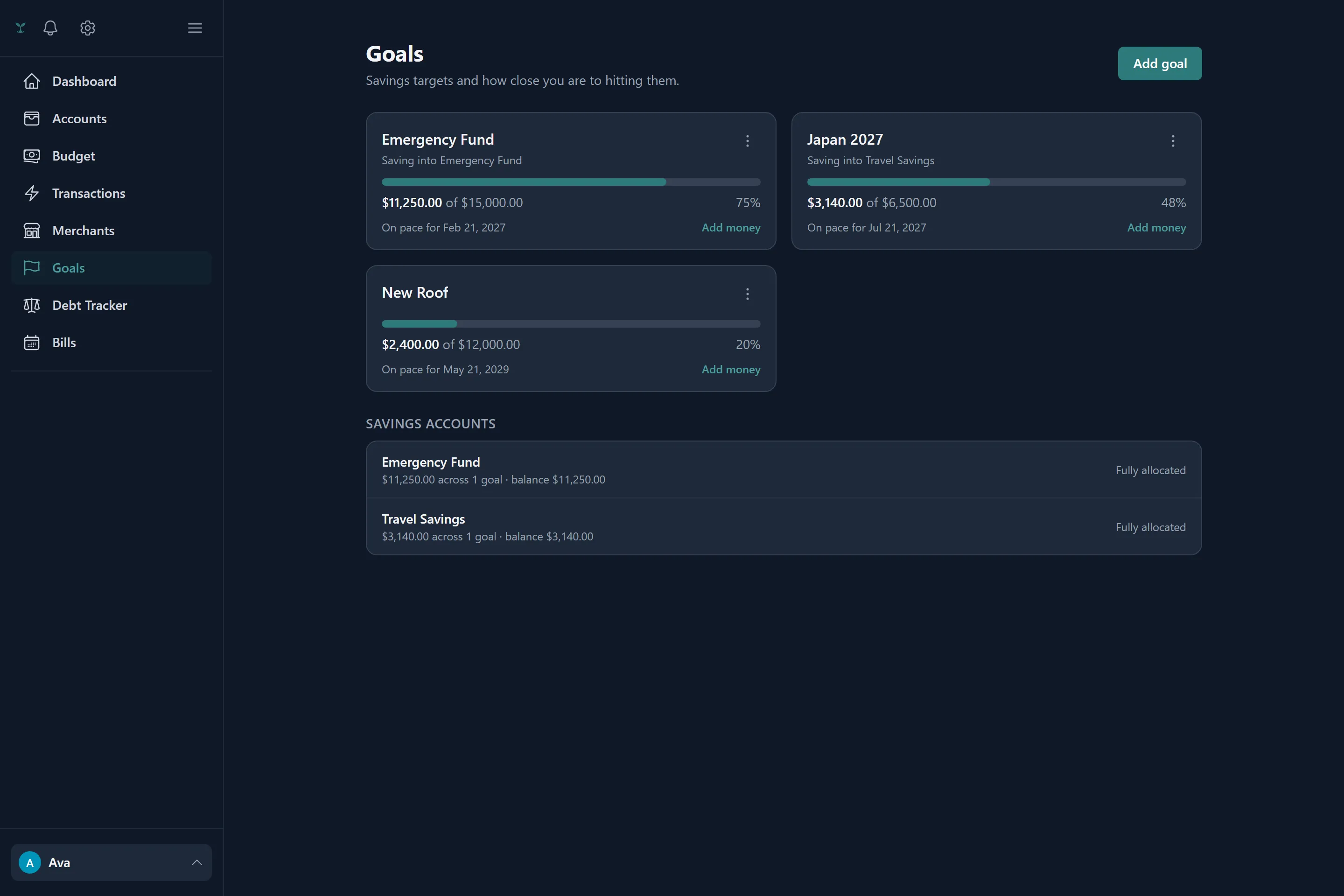
What a goal is
A goal is a target amount you’re saving toward, with an optional target date and an optional monthly contribution amount. It’s separate from a budget category with rollover: a goal tracks progress toward a specific number, while a rollover category just carries unspent money forward indefinitely.
The contribution ledger
A goal’s balance is never a number you edit directly — it’s always the sum of a ledger of contributions underneath it, the same principle debt payoff tracking uses. Every deposit, withdrawal or correction is its own entry, so the running balance and the history that produced it can never drift apart. Contributions come from two places:
- Manual entries — an amount and date you enter yourself, useful for cash you’re setting aside outside your tracked accounts.
- Tagged transactions — picking a goal on a transaction is the contribution. An inflow adds to the goal, an expense pulls back out of it, in whatever amount you tag (which doesn’t have to be the transaction’s full amount). A transaction tagged to a goal carries no separate category — the two are mutually exclusive on any one transaction — and stands on its own, without splits.
Retagging a transaction to a different goal, or removing a tag, replays the ledger from scratch so the amount, direction and date it contributes always match the transaction’s current values, even if you later edit the transaction itself. If a synced transaction that funded a goal ever gets removed by your bank (rare, but it happens), the contribution it created is cleaned up along with it, so the goal’s balance never keeps crediting something that no longer exists.
Correcting a balance directly
If you’d rather just set a goal to “already have $X saved” instead of entering the history that got you there, editing the balance directly writes the difference to the ledger as a single adjustment entry — it doesn’t overwrite anything, so the ledger and the balance you see always agree.
Reconciling with a linked account
A goal can optionally be linked to an account so its progress reflects a real balance. Reconciling absorbs whatever the account holds that isn’t already claimed by that goal’s ledger (or any other goal linked to the same account) as one adjustment. It only ever adds — a goal claiming more than its linked account currently holds is treated as normal, since a goal can be funded from more than one place and the linked account may just be where you happen to watch it, not its only source.
Pausing and archiving
A goal can be paused (its progress stays, but it stops counting toward anything active) or archived once it’s done or abandoned. Neither deletes its history — the ledger stays intact either way.
Showing up in your budget
A goal can optionally appear as its own line under the Savings group in your monthly budget, using its monthly contribution amount as the planned figure — see Budgets & rollover for how budget lines and rollover work generally.