
The structure
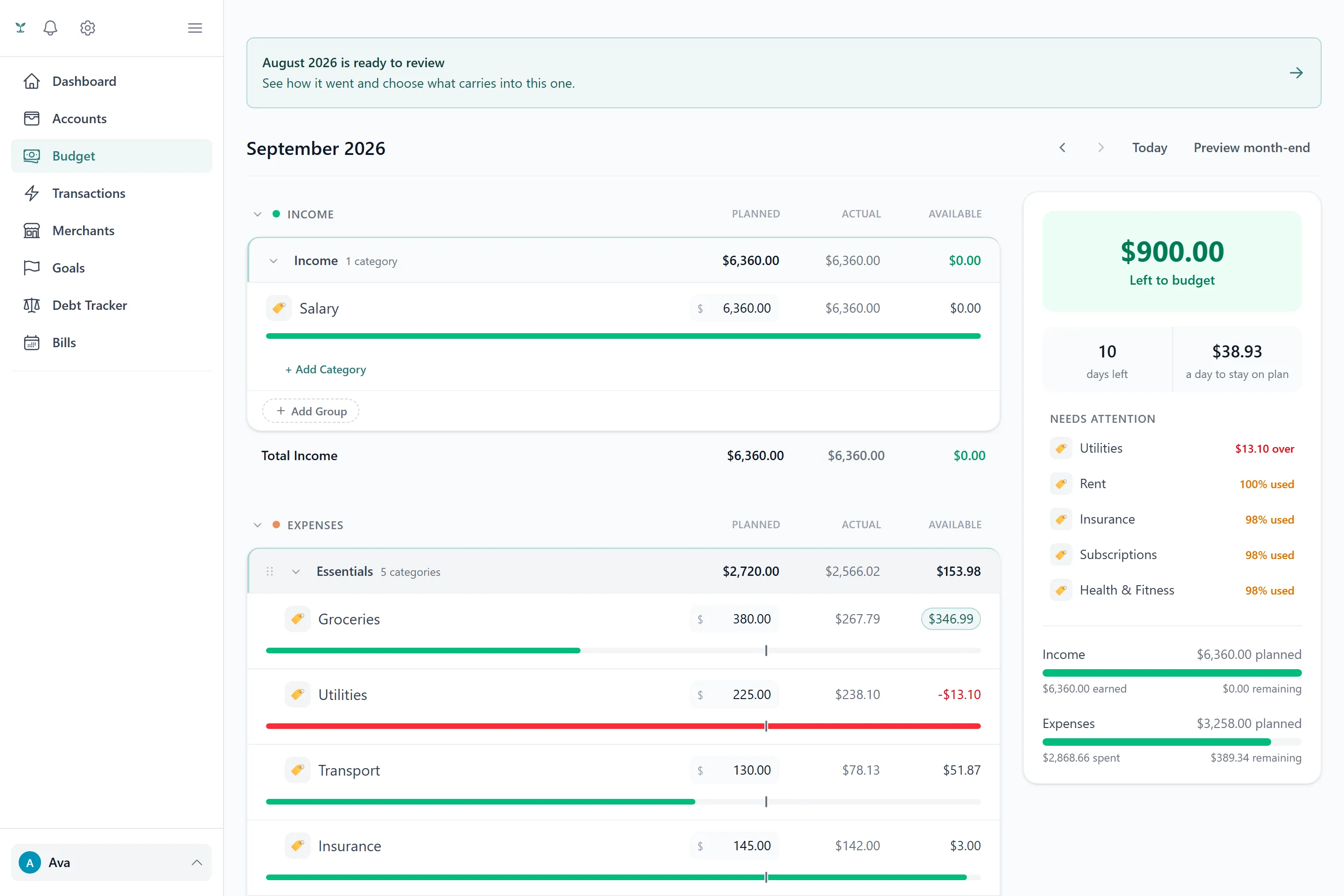
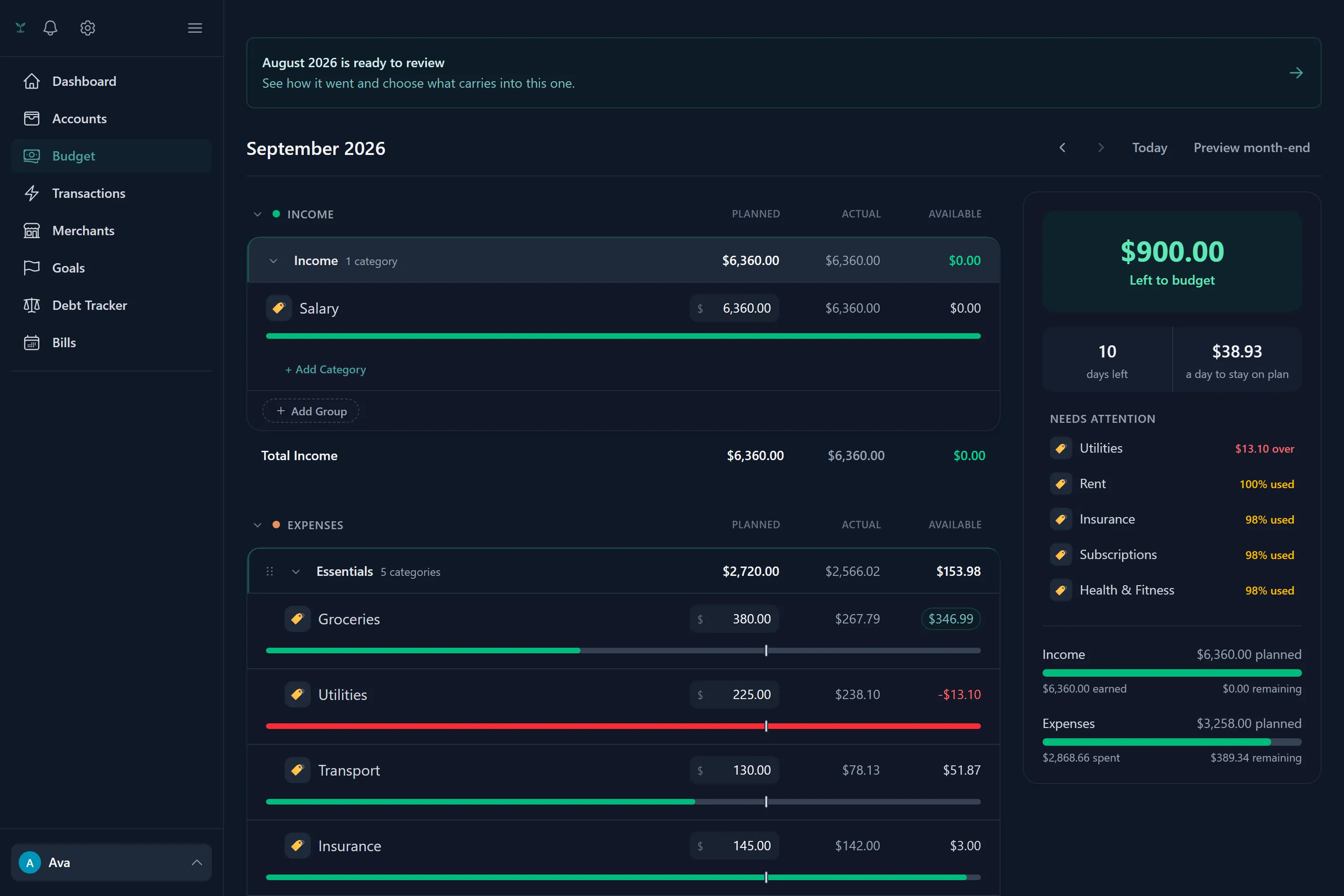
Every budget line is a category, and every category belongs to a group typed as Income, Expenses, Savings or Debt. Each category gets a planned amount per month, tracked against what actually posted in transactions — that’s the whole shape of it. What makes it more than a spreadsheet is rollover, generation, and the habit tracking layered on top.
Rollover
Any category can be switched to roll over: money you don’t spend in a category one month carries forward and adds to what’s available the next, starting from whatever amount you choose to begin tracking it. It behaves like an envelope — grocery money you didn’t spend in July is still grocery money in August, not something that resets to zero.
The cap that keeps rollover honest. A category that overspends can’t simply borrow against a rollover balance it hasn’t actually funded, and a household’s total rollover can never claim more cash than the household actually kept for the month. When a month closes, Tavera Money works out how much was really available and caps what got drawn down from rollover at that figure — an overspend in one category is not silently absorbed by an underspend somewhere unrelated. Money you rolled forward from an earlier month that this month’s spending never touched is protected and carries forward regardless — a bad month can eat into what it actually overspent, never into a fund you built up for something else.
The pace marker
Every category on the dashboard shows a spending pace: a plain-English read on whether you’re comfortably under plan or getting close to it for where you are in the month, not just a raw percentage. You’ll also get an alert at 80%, 90% and 100% of a category’s plan — once per threshold per month, so a category that jumps straight from 40% to 95% produces one notice, not a burst of them. Past 100%, the alert focuses on what’s actually happened (usually that the plan was set below what the category really costs) rather than treating it as a failure — the rest of your budget is unaffected by one category running over.
Generating a starting budget from history
Rather than guessing at numbers for thirty categories, you can build a first budget straight from a linked bank’s transaction history. Tavera Money folds the ~100 detailed categories Plaid uses into a curated set of roughly 30 everyday budget categories — “Dining Out” and “Groceries” rather than a dozen granular restaurant sub-types — and sets each one’s planned amount to its average monthly spend over the window you choose.
Two kinds of noise are filtered out of that average before it’s set, so a handful of unusual transactions don’t distort the plan for an entire category:
- Outliers. A transaction far outside a category’s normal spending (statistically unusual, not just “large”) is excluded from the average, though it’s still categorized and still shows up in your transaction list.
- Negligible categories. A category whose real spend comes out to only a couple of dollars a month is dropped from the generated budget entirely rather than cluttering it with a line that isn’t worth managing.
This only ever runs once, as a starting point — after that, budgets are yours to adjust category by category, month by month.
Habit streaks
Categories that finish inside plan build a streak, month over month, shown once it reaches a couple of months running — one good month on its own isn’t a pattern yet. A small grace band means finishing just barely over plan (within about 5%) still counts as a good month rather than snapping a six-month streak over a rounding error. Streaks are settled once, when a month closes, rather than recalculated every time you load the dashboard.
Budgeting for goals and debt
An active goal can optionally show up as its own line under Savings, with its planned amount coming from what you’ve told it to contribute monthly — see Goals. Debt payoff can be reflected the same way through the Debt group — see Debts for how payoff plans and minimum payments factor in.